01
Setup
→
Activate Your Sidekick
Get your Sidekick set up in under a minute, then start training it on your business, offers, audience, tools, and preferred work style.
Business contextPreferencesUnder 1 min
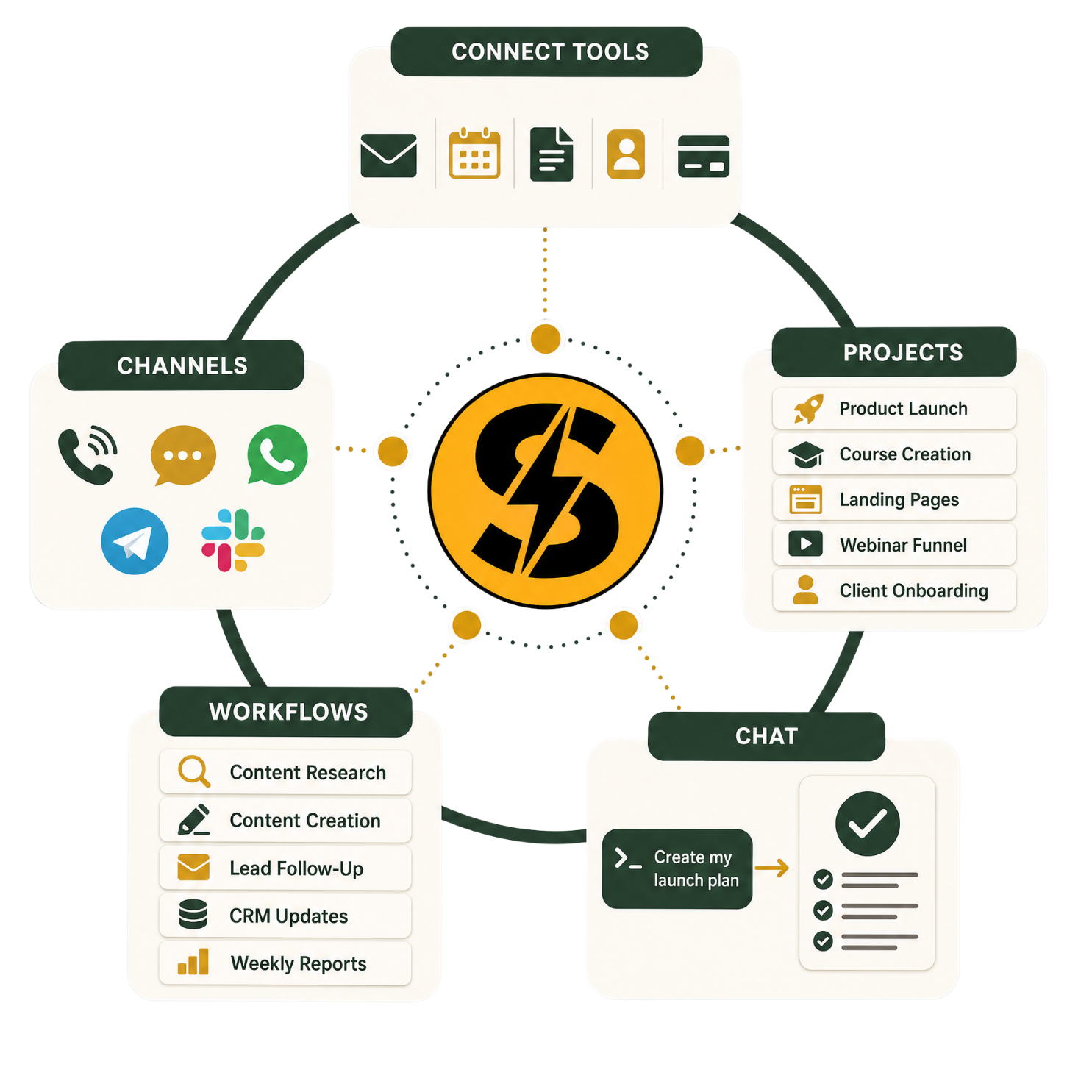
Get Started →Sidekick is your private AI super agent. It learns your business, connects to all of your tools, and runs projects or recurring workflows through your existing chat apps, so work gets done automatically while you stay in control.
Powered by Hermes AI as mentioned by...






How it works
Easy to setup and no technical experience required. Activate Sidekick, connect the tools already in your business, then send it the work you need to get done.
Setup
Get your Sidekick set up in under a minute, then start training it on your business, offers, audience, tools, and preferred work style.
Access
Add the messaging channel that fits best, like WhatsApp, Telegram, or Slack, then approve the business tools your Sidekick needs: CRM, social, design, docs, calendar, and more.
Delegation
Send simple voice or text instructions, set up autonomous workflows, or work with Sidekick as a super-powered project assistant on anything you need to get done.
Use cases
Give Sidekick a messy request, voice note, screenshot, or goal. It uses your tools to create drafts, pages, research, and follow-ups.
Swipe for more →
Content
Send a voice note, screenshot, or messy thought. Sidekick can turn it into posts, emails, scripts, outlines, and campaign assets ready to review.
Prompt to start
“I have a rough content idea. Help me turn it into a content plan, drafts, and scheduled posts.”
Workflow previewSidekick preview
Topics, hooks, formats, and deadlines mapped into a simple plan.
Drafts for written posts, video scripts, image prompts, emails, and campaign assets.
Auto-scheduled through your connected scheduler of choice.
Landing pages
Ask for a landing page, offer page, lead magnet, or full website and get a working preview to click, edit, and improve.
Prompt to start
“I want to build a landing page or website. Help me plan it, connect the right tools, build a preview, and publish it when ready.”
Workflow previewSidekick preview
Sidekick helps plan the page or website structure, then guides you to connect the right tools like your web host, GitHub, or site builder.
Sidekick builds a preview of the page or site before anything goes live.
You review it, ask for changes by text or voice, then approve it to publish on your live site.
Research
Ask Sidekick to monitor competitor social posts, ads, launches, emails, and marketing moves, then send you a clean daily report where you already chat.
Prompt to start
“Track these competitors for me and send me a daily report on what they are doing with content, ads, launches, and marketing.”
Workflow previewSidekick preview
Tell your Sidekick which competitors or markets to keep an eye on, so you can match their best work.
Sidekick checks social posts, ads, launches, emails, pages, and other marketing signals.
You get a clean summary with what changed, why it matters, and what to do next.
Sales
Connect the places leads come in — email, Instagram, LinkedIn, forms, comments, your CRM, or calendar — and let Sidekick help draft replies, follow-ups, reminders, and booking nudges.
Prompt to start
“Help me follow up with new leads from email, Instagram, LinkedIn, comments, forms, and my CRM so fewer prospects go cold.”
Workflow previewSidekick preview
Show Sidekick where leads come in, like email, Instagram, LinkedIn, forms, comments, your CRM, or calendar.
Sidekick drafts replies, follow-ups, reminders, and next-step messages in your voice.
You review, edit, and send the message that moves the lead closer to a call or sale.
Support
Connect your support inbox or helpdesk. Sidekick learns from past replies, drafts responses in your style, and lets you approve before anything is sent.
Prompt to start
“Help me manage support. Learn from my past replies, draft responses to new tickets, and let me review before sending.”
Workflow previewSidekick preview
Connect the inbox or support tool where customer questions come in.
Sidekick reads past responses to learn your tone, policies, and common answers, then drafts replies for new tickets.
You check each reply, make edits if needed, and send it when approved.
Accounting
Connect QuickBooks, Xero, Stripe, bank exports, invoices, or spreadsheets so Sidekick can help organize transactions, prep reports, and flag what needs review.
Prompt to start
“Help me keep bookkeeping organized. Review transactions, match receipts, prep invoice follow-ups, and flag anything I need to approve.”
Workflow previewSidekick preview
Connect accounting software, payment processors, invoices, receipts, or spreadsheets where financial activity already lives.
Sidekick helps categorize transactions, match receipts, prep invoice follow-ups, and surface items that need approval.
You review the bookkeeping summary, flagged questions, and next actions before anything important is finalized.
More
These are just starting points. Once Sidekick can access the right tool, inbox, file, page, or workflow, it can help with almost any repeatable work in your business.
Prompt to start
“Here is the tool or workflow I use. Tell me what parts of this work you can take off my plate.”
Workflow previewSidekick preview
Connect the app, inbox, file, or system where the work already happens.
Tell Sidekick what outcome you want in plain English, text, screenshots, or voice.
Sidekick does the work it can, explains blockers, and sends it back for review.
Ready to hand off work?
Activate Sidekick and start with one real task from your business.
Integrations
Search for your CRM, inbox, calendar, docs, social channels, support desk, or any app your team depends on.
Connect your tools
Native integrations are the easiest path. But the app list is not the ceiling. Most tools offer API access or webhooks, giving Sidekick full access to work on your behalf.
Not seeing your app?
Ask your Sidekick if it can connect. If the tool offers API access, Sidekick can usually be wired into the workflow.
Search integrations
Gmail
Collaboration & Communication
Hubspot
CRM

Social Media
Canva
Design & Creative Tools
Google Calendar
Scheduling & Booking
Bright Data MCP
Analytics & Data
ActiveTrail
Marketing & Social Media
Addressfinder
Projects
Basecamp
Projects
Bettercontact
CRM
Breathe HR
Hr & Recruiting
ClickSend
Marketing & Social Media
Clientary
Projects
Codemagic
Developer Tools & Devops
Cody
Ai & Machine Learning
CommCare
Projects
Context7 MCP
Developer Tools & Devops
Check here first. If your tool isn't listed, API or webhooks usually make it possible.Check here first. If your exact tool is not listed, API access or webhooks usually make it possible.
Connect ChatGPT
Connect your existing ChatGPT Plus or Pro account, or run any supported model through OpenRouter tokens. Your plan includes $5 in OpenRouter tokens, but most people should connect the ChatGPT Plus account they already pay for.
Get StartedWorks with
How It WorksSimple idea
Sidekick can run on your ChatGPT account or use OpenRouter to access many different AI models. Most people start with ChatGPT Plus, and the included $5 OpenRouter credits give you a backup for jobs that need a different model.
Included skills
Auto-created skills
Sidekick learns repeatable workflows and turns them into reusable skills automatically.If you teach Sidekick a new process, like your launch checklist, customer reply style, or reporting format, it can save that as a skill and repeat it without starting from scratch.
Sidekick skills
Sidekick comes preloaded with practical business skills founders actually need, then automatically creates new reusable skills from the way you work so it gets smarter over time.
The compounding effect
The more you delegate, the more Sidekick remembers your workflows, preferences, prompts, and repeatable processes as skills it can reuse next time.
Advanced memory
ChatGPT and Claude can lose the thread. Sidekick has its own memory system that saves context automatically and often, so it remembers your business, preferences, projects, tools, decisions, and how you like work done.
Private by default
Your memory and business data live on your private Sidekick server. Only you have access, so your operating context is not being shared into a giant corporate workspace.
What it remembers
Why it feels different
Sidekick keeps the important context, then uses it every time you delegate the next task.Instead of making you repeat the same background every session, Sidekick keeps a persistent memory of what matters and uses it when you delegate the next task.
Real users
Real users are building websites, designing faster, and delegating real work from chat.

Jade Sultana
Design workflow
“Sooooo I finally started using Sidekick and I’m already obsesssssssed. Only doing design with it currently but it’s good, so fast! Claude sucks compared to this haha.”


Kim Cardeccia
Video workflow
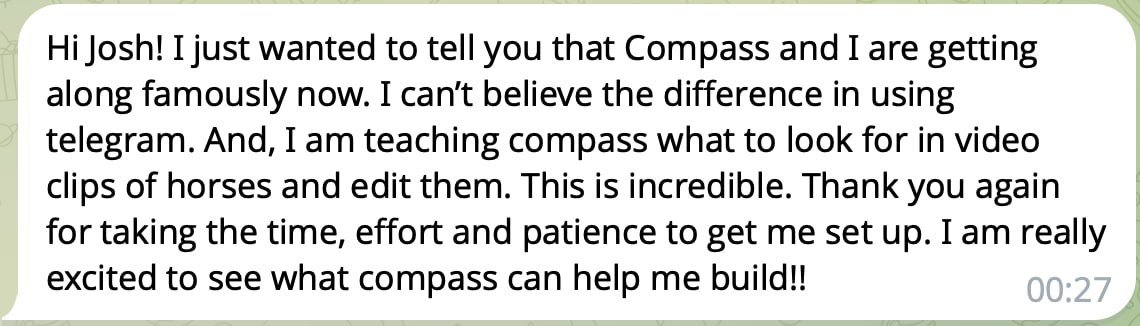
“I can’t believe the difference using Telegram. I am teaching Compass (her Sidekick) what to look for in video clips of horses and edit them. This is incredible.”

Daniel Fuchs
App build workflow
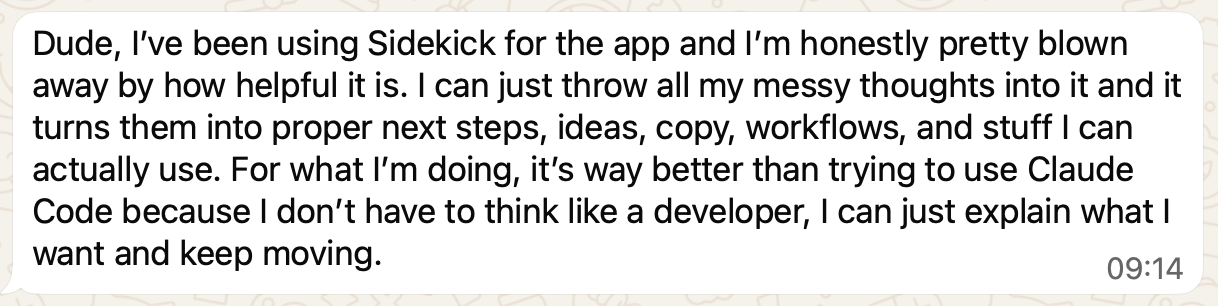
“I can throw all my messy thoughts into Sidekick and it turns them into proper next steps, ideas, copy, workflows, and stuff I can actually use. I don’t have to think like a developer — I can just explain what I want and keep moving.”

Gillian Clark
Coach workflow
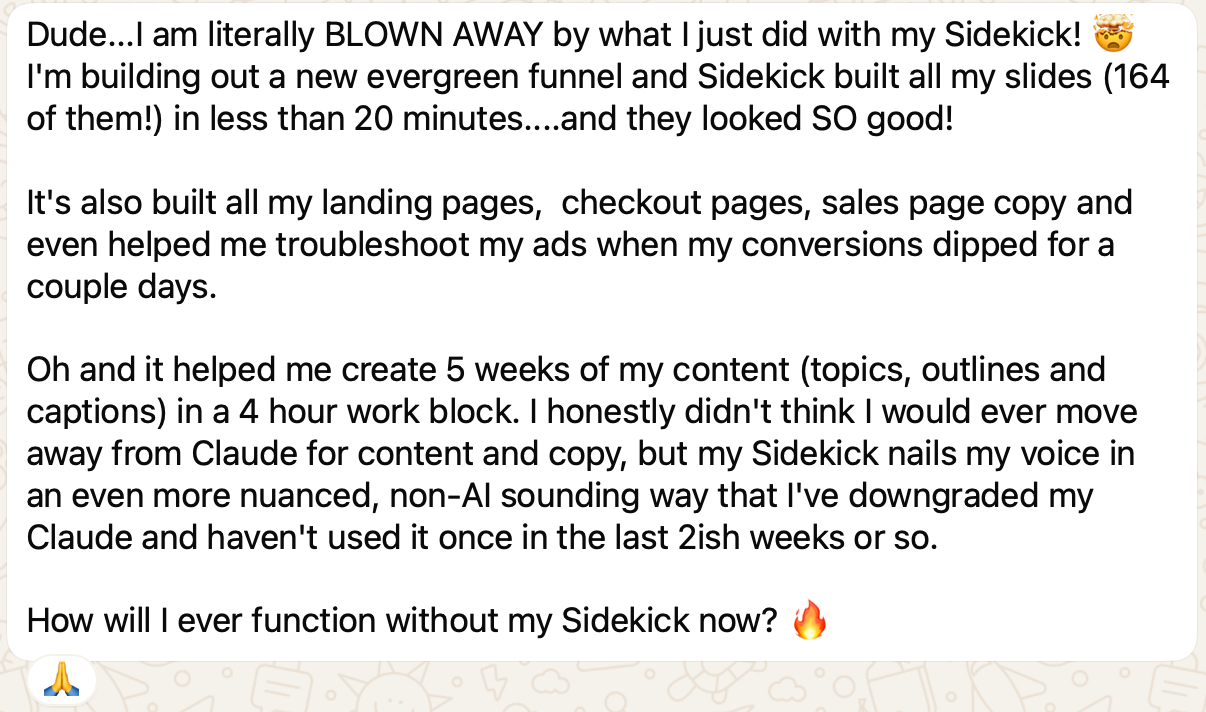
“Sidekick built all my slides, landing pages, checkout pages, sales page copy, ads troubleshooting, and 5 weeks of content. I honestly don’t know how I’ll function without it now.”
Ready to delegate?
Start with one real task and see how much faster your business moves when the work does not stop with you.